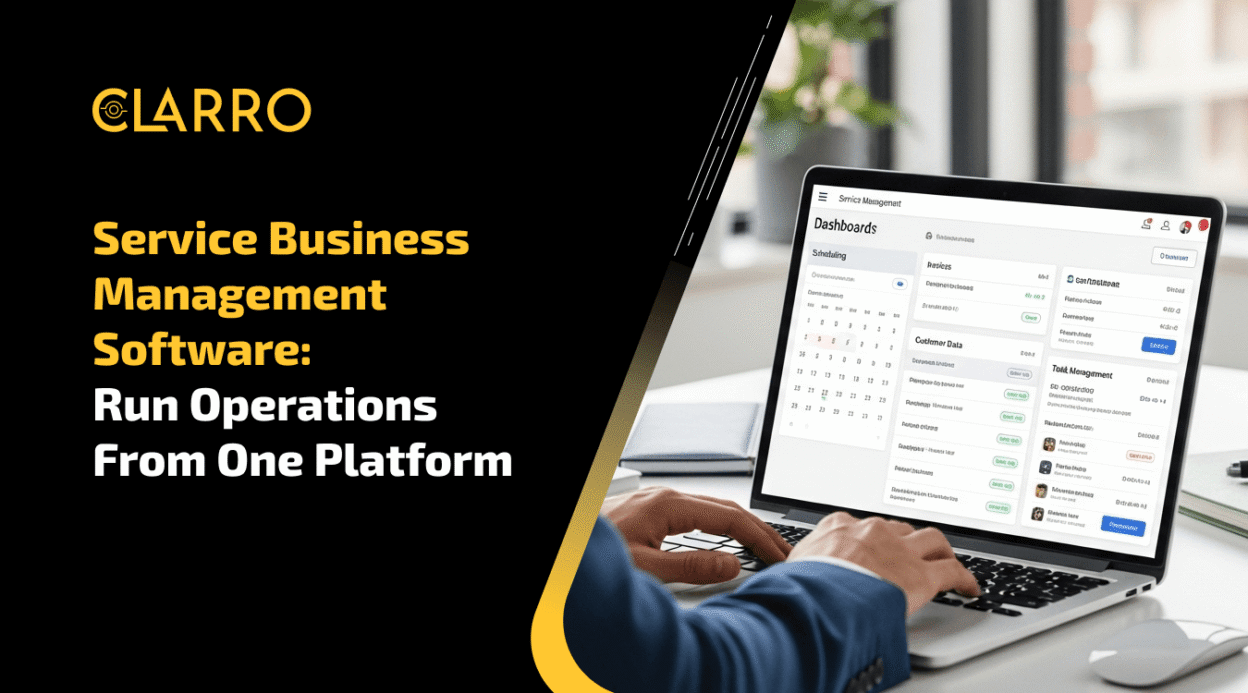
Running a service business today isn’t just about delivering great service—it’s about managing multiple moving parts at once. From scheduling jobs and dispatching teams to handling invoices and customer communication, every process needs to work in sync.
But when these operations are handled across different tools—or worse, manually—things quickly become chaotic. Missed appointments, delayed payments, and miscommunication aren’t just small issues—they directly impact your revenue and customer experience.
That’s where service business management software changes the game.
By bringing scheduling, dispatching, invoicing, CRM, and analytics into a single platform, it eliminates operational silos and simplifies your entire workflow. Instead of juggling tasks, you gain complete control from one centralized system.
With real-time insights, automation, and mobile accessibility, businesses can operate faster, make smarter decisions, and deliver a seamless customer experience. Whether you’re a small service provider or a growing company, the right software doesn’t just support your operations—it transforms them.
Before we dive deeper, let’s understand what service business management software actually means and why it’s becoming essential for modern service companies.
What Is Service Business Management Software?
Service business management software is a comprehensive tool. It helps businesses manage operations from a single platform.
The software integrates several functions into one system. This includes scheduling, dispatching, invoicing, and customer management. In fact, research shows that 94% of companies perform repetitive, time-consuming tasks that could benefit from automation.
By combining these functions, businesses reduce complexity. This integration minimizes errors and improves efficiency.
The software often includes features tailored to specific industries. These features address unique operational needs and challenges.
Common functionalities include real-time tracking and reporting capabilities. This data helps optimize operations and inform strategic decisions.
Additionally, service business management software often provides:
- Automated scheduling and dispatching
- Customer relationship management (CRM)
- Invoicing and payment processing
- Inventory management
- Employee performance tracking
These features enable a more streamlined operation. They support better customer service and efficient resource use.
The software is designed to be intuitive and accessible. This ensures that businesses can quickly adopt and implement it.
Security is another important aspect. Protecting sensitive business and customer data is essential.
As the industry grows, so does the software. It’s adaptable, able to scale with expanding business needs.
In conclusion, software for managing business is a powerhouse. It centralizes and simplifies, allowing businesses to focus on delivering top-notch service.
Key Features of Service Business Management Software
Service business management software comes with a plethora of features. Each feature aims to simplify business operations.
Automation is a key component. It streamlines tasks that are often manual and repetitive.
Scheduling and dispatching capabilities are essential. They ensure that resources are utilized efficiently.
Customer management features are another cornerstone. They provide tools to nurture customer relationships effectively.
The software often includes robust analytics tools. These tools provide insights into business performance and trends. Research shows that businesses using real-time analytics platforms can analyze data and make decisions in milliseconds, significantly improving operational responsiveness.
Real-time monitoring is available too. This allows businesses to track operations as they happen.
Other significant features include:
- Financial management tools for invoicing and payments
- Employee tracking for performance and productivity
- Inventory management to monitor stock levels
Such features help businesses remain organized and responsive. They ensure that tasks are completed accurately and on time.
Mobile access is another valuable feature. It supports field workers and remote teams with ease.
Integration is seamless with other tools. Many platforms connect with CRM and accounting software, enhancing functionality. Customizable dashboards allow a personalized experience. Businesses can tailor views to match specific needs.
Security features are built in to protect data. This ensures sensitive information remains confidential.
Service business management software is versatile. It adapts to various industries with unique requirements. In summary, these key features foster a cohesive business environment. They make management more efficient and effective.
Benefits of Using an All-in-One Platform
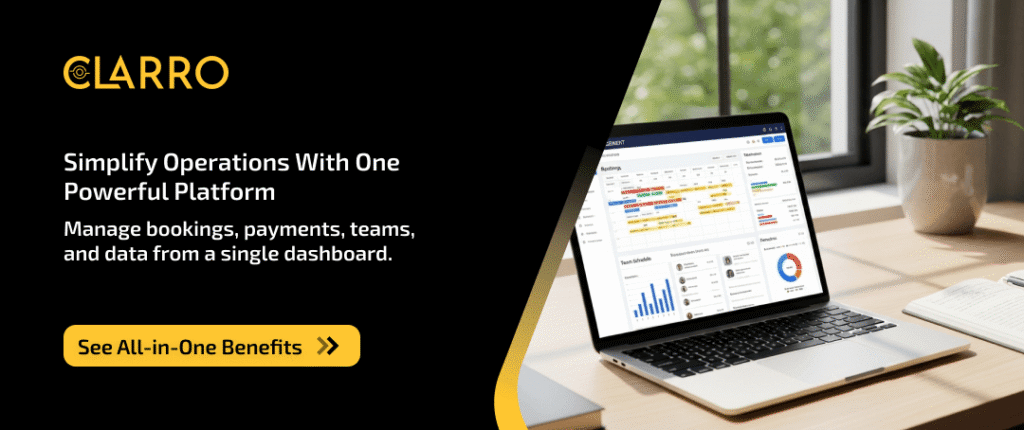
Integrating various business functions into a single platform offers tremendous advantages. An all-in-one solution streamlines diverse operations.
A unified platform minimizes the need to switch between tools. This reduces inefficiencies and increases productivity.
Users enjoy seamless experiences. Operations flow smoothly from one department to another without disruption.
Another key benefit is cost-effectiveness. Consolidating tools onto a single platform often reduces software expenses, especially compared to maintaining multiple SaaS Management Platforms.
An integrated solution improves data accuracy. It minimizes errors by reducing manual data entry across platforms.
Businesses also gain valuable time savings. Automated processes allow teams to focus on strategic tasks.
With a single-source solution, communication improves. Teams collaborate more easily with shared access to necessary resources.
Key benefits of an all-in-one platform include:
- Enhanced productivity through streamlined operations
- Cost savings from reduced software expenses
- Improved data accuracy and fewer manual errors
- Significant time savings for strategic task focus
- Better team collaboration through improved communication
Decision-making becomes more informed. Real-time analytics offer valuable insights, enabling timely decisions.
An all-in-one platform also supports scalability. It can grow with the business without the need for new tools.
Customer satisfaction benefits from efficient service delivery. Faster response times and consistent service enhance experiences.
Additionally, businesses find it easier to comply with regulations. Centralized systems simplify tracking and reporting compliance metrics.
Finally, the simplicity of a unified platform reduces training needs. Users learn one system instead of juggling multiple tools.
Overall, an all-in-one platform revolutionizes operations. Businesses become more agile, responsive, and well-positioned for growth.
How Service Business Management Software Streamlines Operations
Service business management software revolutionizes operations. It unifies disparate functions, allowing for seamless coordination.
Scheduling is significantly improved. Automated systems align appointments with available resources, reducing overlaps. Modern online booking software makes it even easier for customers to schedule services directly.
The software enables efficient dispatching. It optimizes routes, minimizing travel time and ensuring timely service.
Invoicing becomes more straightforward. Automated billing processes reduce manual errors and speed up payment cycles.
Customer management is also enhanced. Centralized databases provide quick access to client information, improving interactions.
Real-time data boosts decision-making. Businesses can adapt quickly to changes with up-to-date analytics.
Key operational streamlining features include:
- Automated scheduling and resource allocation
- Optimized dispatch routes for efficiency
- Streamlined invoicing and billing processes
- Enhanced customer management through centralization
- Real-time data for agile decision-making
Inventory management becomes more reliable. The software tracks stock levels and alerts managers when supplies run low.
Time management improves drastically. Routine tasks are automated, freeing employees to focus on higher-value activities.
Communication among team members sees a significant boost. The platform facilitates easy sharing of information and resources.
Compliance management is simplified, too. The software assists in tracking regulatory requirements, ensuring businesses stay compliant.
Field service automation plays a crucial role in this transformation. It eliminates manual processes and ensures field teams have instant access to job information, reducing delays and improving first-time fix rates.
Ultimately, a streamlined operation enhances customer experiences. Faster services and accurate information create more satisfied clients.
By centralizing functions, service business management software eliminates silos. This integration fosters a more cohesive, responsive organization.
Field Service Management Software for Small Business
Field service management software tailors its features to small businesses. It offers tools designed for ease of use and scalability.
Small businesses benefit from these solutions. They often operate with limited resources, requiring efficient software that maximizes productivity.
The software ensures efficient workforce management. It allows owners to manage schedules, dispatch jobs, and monitor progress, all from one platform.
Real-time updates are invaluable. Field technicians receive immediate notifications, reducing downtime and improving service delivery.
A core feature is mobile access. This enables technicians to access job details and update statuses from the field.
Key benefits of field service management software for small businesses include:
- Simplified scheduling and dispatching
- Real-time communication with field staff
- Accessible mobile applications for on-the-go use
- Enhanced customer service through timely updates
- Cost savings from streamlined operations

Cost-efficiency is crucial for small businesses. The software reduces operational costs by optimizing resource use and minimizing errors.
Customer relationships also improve. By delivering timely, efficient service, businesses build trust and encourage repeat business. Studies indicate that organizations report a 39% improvement in customer satisfaction rates after deploying field service automation solutions.
Training and implementation are straightforward. Software providers often offer support and guidance, ensuring businesses get up and running smoothly.
Security is a priority. The software incorporates measures to protect sensitive business and customer data.
Overall, field service management software empowers small businesses. It provides tools that streamline operations, enhance customer service, and support growth.
For small enterprises looking to stay competitive, such technology offers a significant edge. It enables them to achieve efficiencies previously limited to larger companies.
Essential Integrations: CRM, Accounting, and More
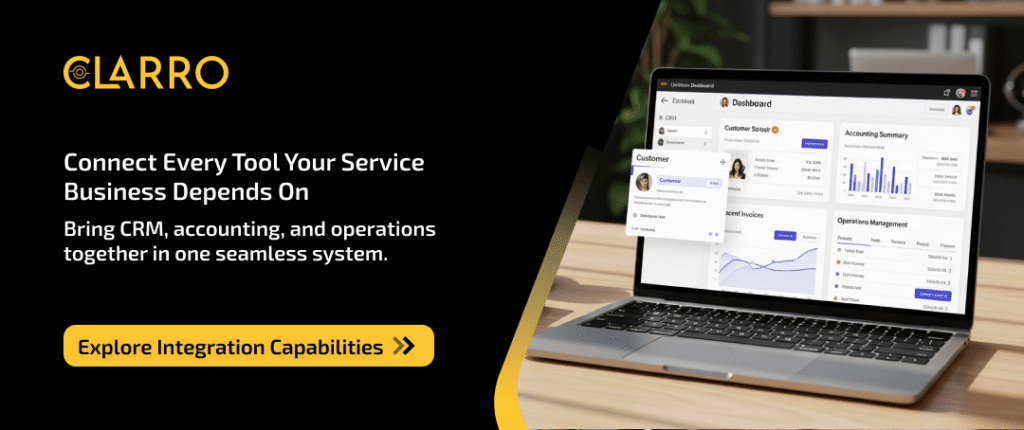
Integrating service business management software with other essential tools enhances its effectiveness. Two critical integrations are CRM and accounting systems.
A CRM for a service business is pivotal. It centralizes customer data, making it easier to manage relationships. Tracking interactions and preferences becomes seamless.
Accounting integration streamlines financial management. Automated billing, invoicing, and expense tracking save time and reduce errors.
Combining various tools into one platform simplifies workflows. Employees navigate processes smoothly, without switching between systems.
Essential integrations often include:
- Customer Relationship Management (CRM for service business)
- Accounting and financial tools
- Inventory management systems
- Communication platforms (email, messaging)
- Project management tools
Inventory management integration keeps stock levels in check. Businesses can automatically update inventory based on sales and service calls.
Communication tools facilitate internal and external collaboration. They ensure efficient communication between team members and customers.
Project management tools aid in planning and execution. They help assign tasks, track progress, and ensure the timely delivery of projects. Features like Home Maintenance Task Tracking are particularly valuable for service businesses managing ongoing maintenance contracts.
Choosing software with robust integration capabilities is essential. It ensures that all business functions work harmoniously together.
By leveraging integrations, businesses enjoy improved efficiency. They see better data accuracy, enhanced productivity, and overall streamlined operations.
These combined capabilities support a comprehensive business software solution. It meets diverse operational needs, fostering growth and success.
Mobile Access and Remote Workforce Support
In today’s fast-paced business environment, mobile access is crucial. Service business management software often includes mobile applications that empower field technicians and remote teams.
These apps allow employees to access important data from anywhere. This feature ensures that they can perform their tasks efficiently, regardless of location.
Remote workforce support is vital for maintaining productivity. The software provides tools for communication and collaboration among remote teams.
Key features of mobile access and remote support include:
- Real-time updates on work orders
- Access to customer history and data
- Ability to capture and share images or documents
- GPS tracking for efficient routing
- Secure communication channels
Real-time updates keep everyone on the same page. Field workers receive new assignments and updates without delay.
GPS capabilities optimize routing and reduce travel time. This efficiency translates into cost savings and higher customer satisfaction.
Secure communication channels protect sensitive information. They ensure that business data and customer details remain confidential.
Mobile access transforms how service businesses operate. It enhances flexibility, responsiveness, and ultimately, service delivery efficiency.
Security and Data Protection in Service Business Software
Service business management software must prioritize security. Protecting sensitive business and customer data is essential for trust and compliance.
Modern software solutions offer robust security features. These features safeguard data against unauthorized access and cyber threats.
Key security features include:
- Data encryption
- User authentication
- Regular software updates
- Backup and recovery options
Data encryption ensures that information is unreadable to unauthorized users. This protects sensitive transactions and communications.
User authentication processes control access to the system. Passwords, two-factor authentication, and role-based permissions enhance security.
Regular updates keep the software resilient against new threats. Vendors often provide patches to fix vulnerabilities promptly.
Backup and recovery options guarantee that data is not lost permanently. They help restore operations swiftly after incidents.
With these security measures, businesses can confidently use these software solutions. They help maintain customer trust and safeguard their business reputation.
Customization and Scalability for Growing Businesses
Growing businesses need solutions that evolve with them. Service business management software offers customization features tailored to meet specific needs.
Software customization enables businesses to adjust workflows and dashboards. These personalized settings enhance user experience and improve operational efficiency.
Scalability is crucial as businesses expand. The software supports increased data processing and additional user accounts without performance loss.
Key customization and scalability features include:
- User-configurable dashboards
- Scalable data storage
- Flexible workflow settings
User-configurable dashboards provide a personalized overview of business metrics. They allow users to focus on what matters most.
Scalable data storage ensures that increased data volumes can be handled seamlessly. This flexibility supports growth without requiring constant system overhauls.
Flexible workflow settings adapt as business processes evolve. They offer agility in operations, accommodating changes as needed.
Adopting software with these capabilities can ensure a business’s long-term success and adaptability. It supports continual growth in an ever-changing market.
How to Choose the Right Service Business Management Software
Selecting the right service business management software is crucial. It involves evaluating several factors to meet your business needs.
First, consider the specific features you require. Make a list of must-have functionalities that align with your operations.
Budget is another critical factor. Software solutions can vary significantly in price. Ensure you understand what the cost includes, such as updates and support.
Implementation ease should also be assessed. Choose a system that your team can adopt quickly without extensive training.
Key considerations for choosing software include:
- Essential features and functionalities
- Budget constraints and cost analysis
- Implementation and user adoption ease
Research providers and read customer reviews. This provides insight into user experiences and potential issues.
Finally, request demos or trials. This hands-on experience helps evaluate user interface intuitiveness and feature practicality.
Not sure which platform fits your workflow? We’ve analyzed the top competitors to help you decide.
Read: Which Field Service Management Software Is Right For You?
Choosing the right software is a strategic decision. It can greatly impact the efficiency and growth potential of your business.
Implementation, Training, and Support
Implementing new service business management software can be daunting. However, with proper planning, the process can be smooth and efficient.
It starts with understanding your current workflows. Map these out to ensure the software aligns with your business needs and processes.
Once selected, a detailed implementation plan is vital. Timelines, responsibilities, and objectives must be clearly defined to ensure successful deployment.

Training is a crucial aspect of any new software adoption. Comprehensive training sessions help ensure that your team fully understands the system’s capabilities.
Additionally, ongoing support from the software provider is essential. This support can include:
- User guides and instructional materials
- 24/7 customer service for urgent issues
- Access to a community of users and forums
Successful implementation relies on support systems. Choose a provider committed to assisting you before, during, and after deployment.
Ultimately, thorough training and robust support mitigate challenges. They ensure that your team can leverage the software to its full potential, maximizing your investment.
Real-World Success Stories and Case Studies
Service business management software has transformed many businesses across various industries. These tools have streamlined operations and enhanced efficiency, leading to remarkable success.
For instance, a small plumbing company leveraged field service management software to improve its scheduling and dispatching. This resulted in a significant reduction in response times and an increase in customer satisfaction.
Another example is a medium-sized HVAC company. They integrated HVAC Business Management Software with their existing accounting platform. The result was simplified invoicing processes, leading to faster payment cycles and improved cash flow.
These stories highlight the diverse benefits of implementing an all-in-one platform.
Key achievements often include:
- Increased operational efficiency
- Enhanced customer service and response times
- Improved financial management
These case studies demonstrate the software’s potential to drive growth and success. Service businesses, regardless of size, can greatly benefit by adopting such solutions. They not only solve current pain points but also position the company for future success.
Whether you’re running a specialized HVAC operation or operating as Handyman Software for businesses, the right management platform can transform your operations.
Future Trends in Service Business Management Software
Service business management software continues to evolve, setting the stage for future innovations. Emerging trends are shaping how businesses leverage these tools for enhanced productivity and efficiency.
One significant trend is the integration of artificial intelligence and machine learning. These technologies are driving predictive analytics, helping businesses anticipate customer needs and optimize their operations. Another trend is the increased use of the Internet of Things (IoT). IoT devices provide real-time data collection and monitoring capabilities, essential for businesses seeking to enhance their service delivery.
Furthermore, greater emphasis is being placed on sustainability and energy efficiency within software solutions. Companies are looking for ways to reduce their carbon footprint while optimizing resource utilization.
Expected trends include:
- Enhanced AI-driven decision-making
- Expansion of IoT functionalities
- Focus on sustainable operations
These innovations demonstrate a commitment to evolving with market demands while providing robust, future-proof solutions for service businesses.
Conclusion: Transform Your Service Business with the Right Software Solution
Choosing the right service business management software can revolutionize your operations. Streamlining processes and enhancing customer satisfaction become more achievable.
This all-in-one platform saves time by reducing manual tasks and eliminating errors. You’re not only simplifying workflow but also opening doors to better decision-making through insightful data.
In a competitive market, having scalable and customizable software ensures your business evolves without hurdles. Embrace these advancements to secure growth and efficiency. Invest wisely for a future-ready business landscape.
Continue Reading
Explore More Resources to Optimize Your Service Business
Now that you understand how service business management software can transform your operations, take the next step in building a complete technology ecosystem for your business.
Essential Tech Infrastructure: Ready to expand your service delivery capabilities? Learn about the critical payment gateways, GPS tracking systems, and backend infrastructure needed for modern service businesses in our comprehensive
guide: Tech Stack for On-Demand Delivery Apps (Payment Gateways & More)
This resource will help you understand the financial tools and technical components that integrate seamlessly with your management platform, ensuring smooth transactions and superior customer experiences.
FAQs:-
1: What is service business management software, and who should use it?
Service business management software is an all-in-one platform that helps service companies manage bookings, payments, customer data, field operations, and reporting from a single system. It’s ideal for HVAC businesses, handyman services, home maintenance providers, and any service business struggling with scattered tools, manual processes, or operational inefficiencies.
2: How does service business management software improve daily operations?
This software streamlines daily operations by automating scheduling, dispatching, invoicing, and customer communication. Instead of switching between multiple tools, businesses get real-time visibility into jobs, payments, and customer history, which reduces errors, saves time, and improves service delivery.
3: Is service business management software suitable for small and growing businesses?
Yes. Modern service business management software is built to scale with small and mid-sized businesses. Features like mobile access, field service automation, CRM for service businesses, and customizable workflows allow companies to start small and expand without changing platforms as their operations grow.
4: What features should I look for in an all-in-one service business platform?
When choosing service business management software, look for online booking, payment processing, CRM integration, field service automation, mobile apps for technicians, reporting dashboards, and integrations with accounting or SaaS management platforms. These features ensure smoother workflows, better customer experiences, and long-term scalability.